L'Originale: An Obituary
Draft
In review
Live
Unpublished
Reviews & publishing
Turn on reviews, and every change waits for a reviewer who sees exactly what changed. Or leave them off and publish at once. Either way, each step is a commit with a name on it.
Marguerite, a writer, changes the English headline “The Factory That Never Sleeps” to “…Never Stops” and asks for review. Then Céleste, the reviewer, is introduced. She opens the review, sees the one word that changed, and approves it, which publishes it.
Try it
Press the buttons as each person would. Then turn reviews off, and see how a smaller team works.
L'Originale: An Obituary
Draft
In review
Live
Unpublished
Each move is a commit with the name of whoever made it, and the History shows them all.
Around the workflow
What makes reviews quick enough that nobody skips them.
Diff
A review shows the fields that changed, word by word, next to the live version.
Notes
A reviewer can send work back with a note. The entry returns to draft, and the note stays with it.
Admins
With reviews on, content leads and admins can still publish at once.
Live
Edit a live entry without touching the live version: the changes wait until someone publishes them.
Agents
An agent can ask for a review, never approve. What it wrote stays marked until a person reads it.
Webhooks
Publishing and unpublishing send a signed webhook, so your host rebuilds at once.
Reviews
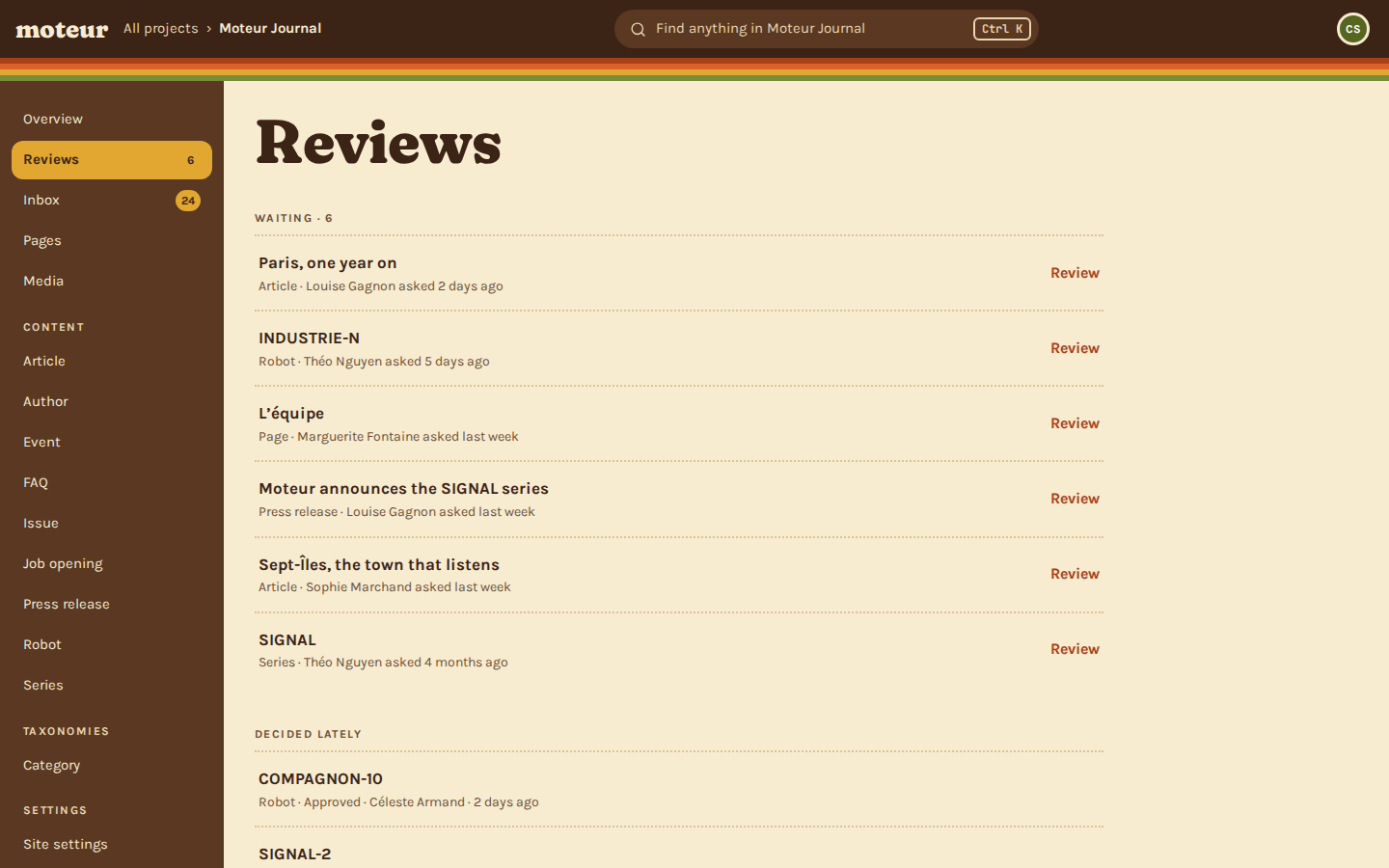
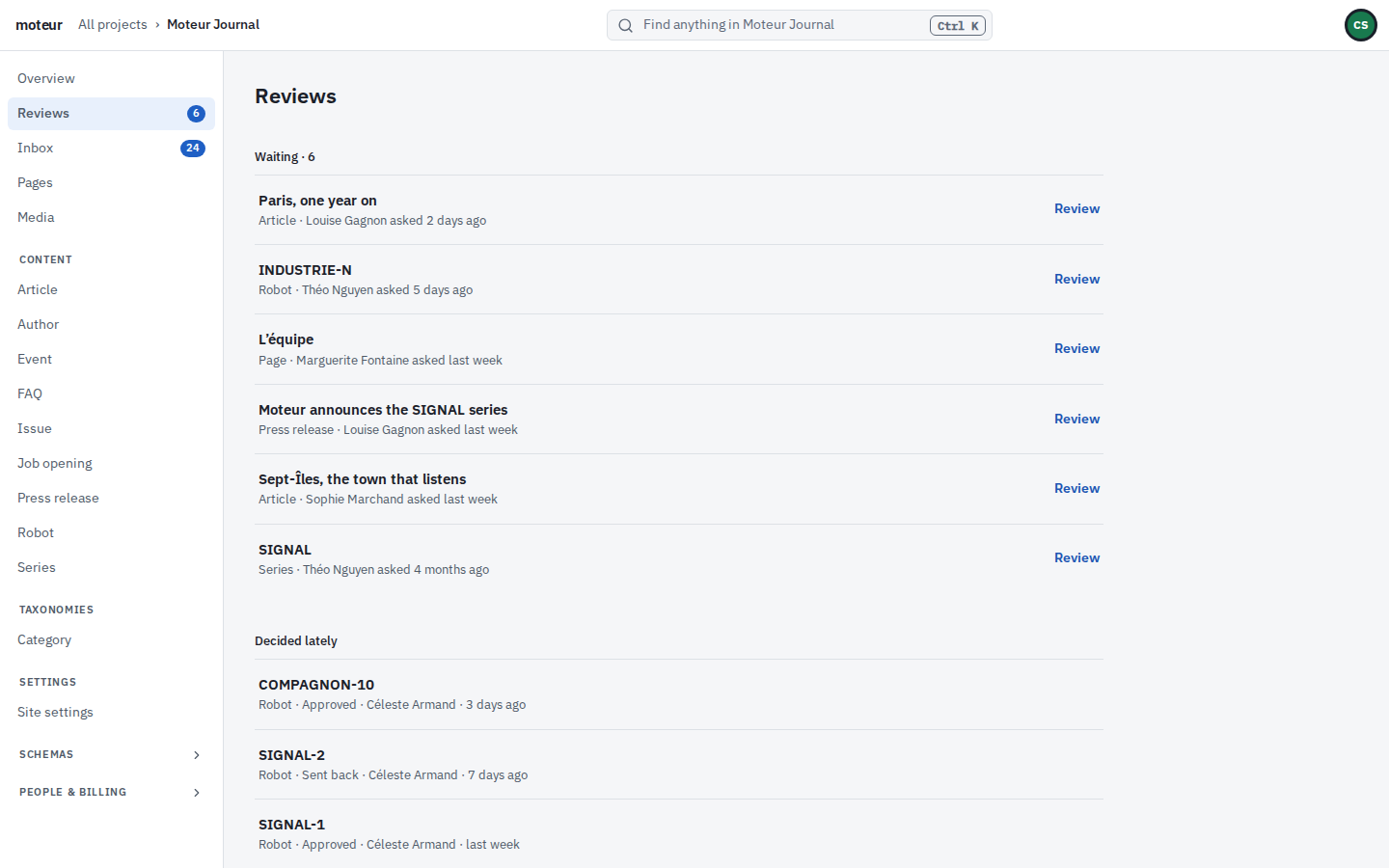
The Reviews page lists what’s waiting, who asked, and when, for everyone who can approve.
MoteurNo. They’re off until an admin turns them on, project by project. Without them, anyone who writes can publish.
MoteurYes. With reviews on, content leads and admins can still publish at once, for the fix that can’t wait. It’s a commit with their name, like everything else.
MoteurThe fields that changed, word by word, next to what’s live, with what a machine wrote marked as such.
MoteurIt goes back to draft with the reviewer’s note on it, and you pick it up from there.
MoteurYes. Pick a day and time on the entry or page, and Moteur publishes what’s saved at that moment. Taking something offline works the same way. With reviews on, a writer’s publish waits for an approval first.
MoteurIt goes to the project’s bin, with who deleted it and when. Anyone who writes can take it back out. It comes back as a draft, so going live again goes through review like anything else. Only a content lead or an admin deletes it for good.
Invite a writer and a reviewer, and send something through.