Search
Find it in a word or two.
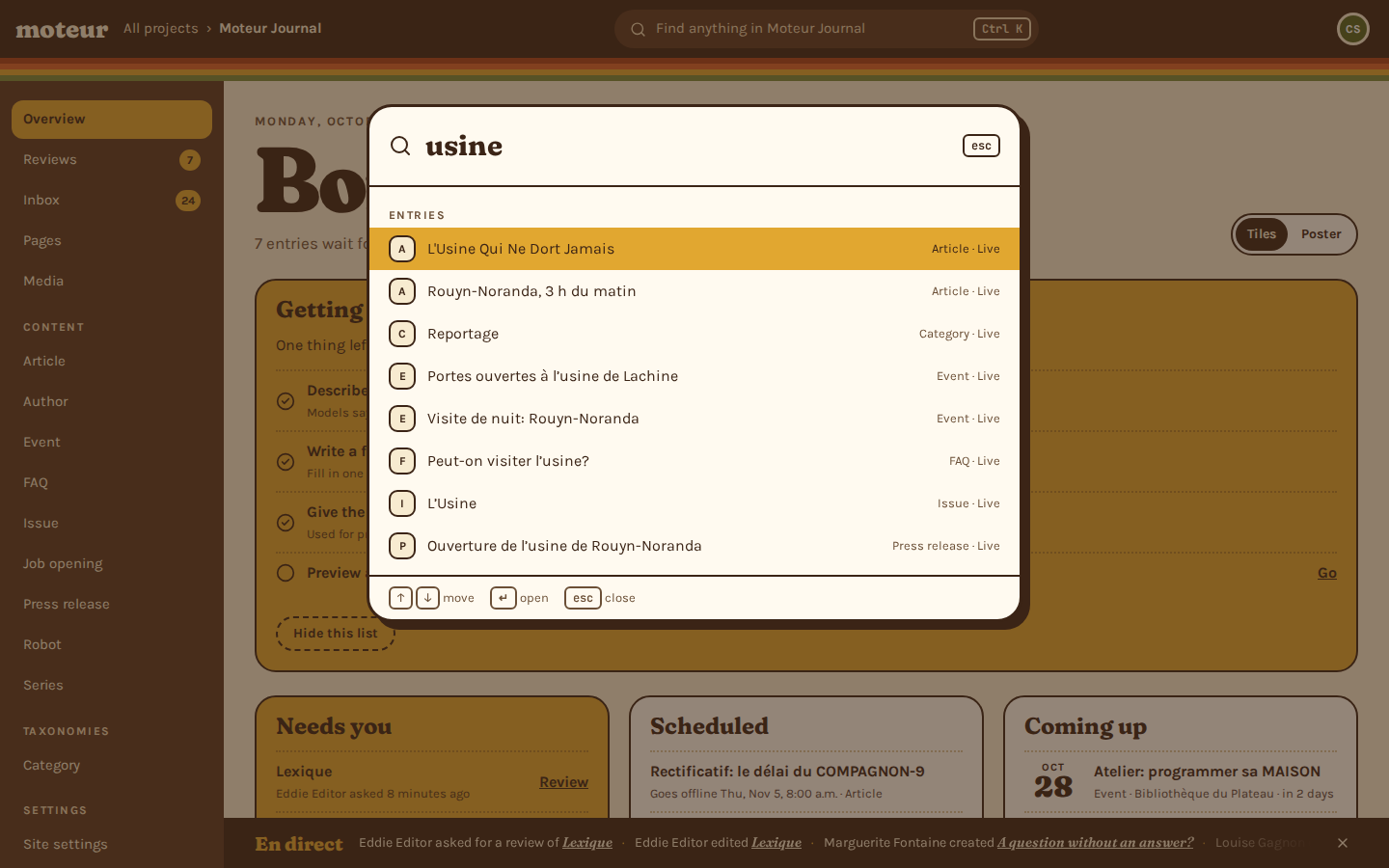
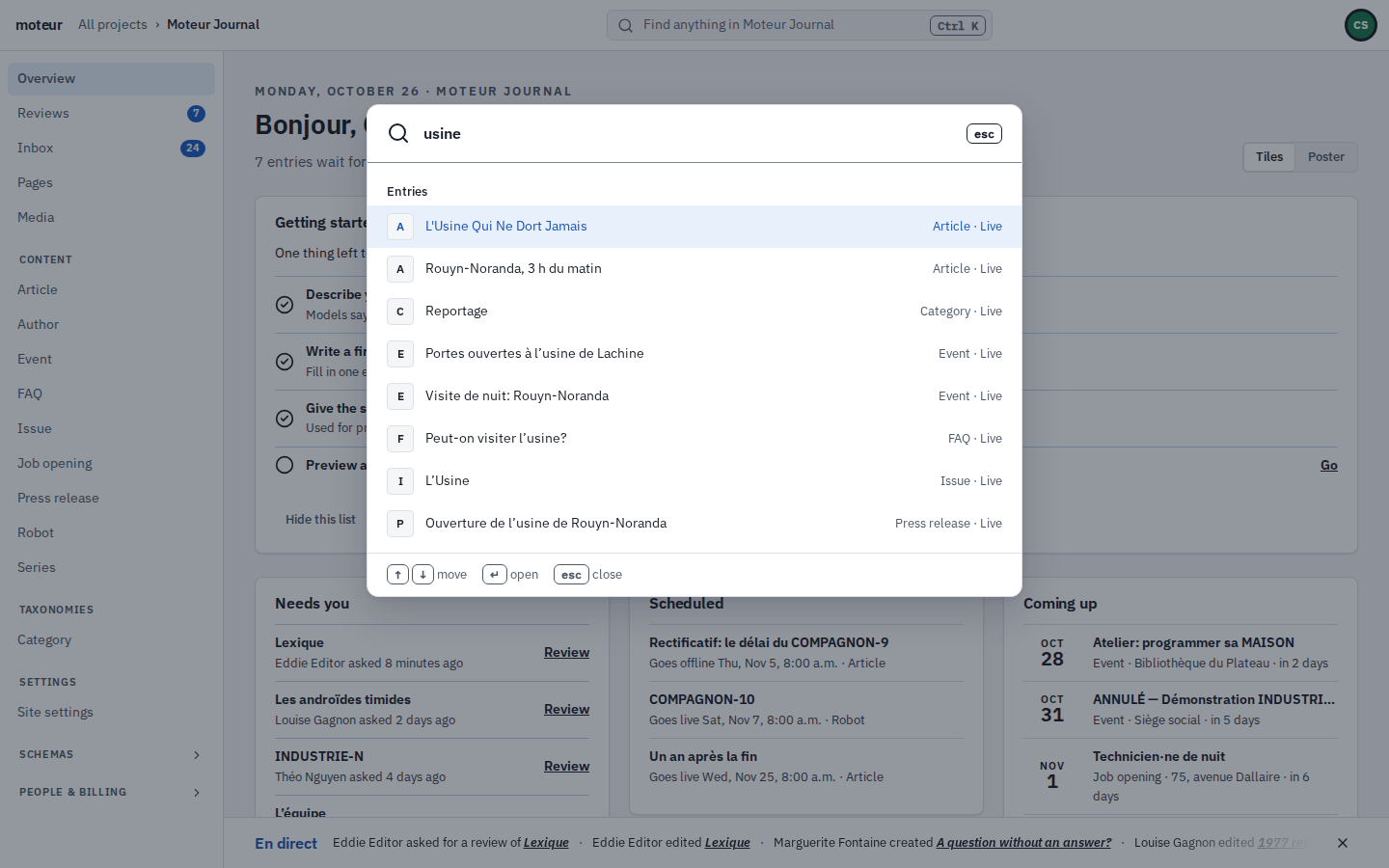
Ctrl K finds any entry by a word of its title, in French or in English, with the accents or without. Lists narrow to what’s waiting for you, and the media library finds a photo by what its alt text says.
Try it
Find anything
These are the demo journal’s entries. Type a word, in French or English, with or without its accents: every word you type has to be there.
Try:
5 found
- L'Usine Qui Ne Dort JamaisThe Factory That Never SleepsArticle
- Portes ouvertes à l’usine de LachineOpen house at the Lachine plantEvent
- Peut-on visiter l’usine?Can I visit the plant?FAQ
- L’UsineThe FactoryIssue
- Ouverture de l’usine de Rouyn-NorandaRouyn-Noranda plant opensPress release
Everywhere
Where you can look
The same way of matching everywhere: a word in any language, accents and capitals ignored.
Ctrl K
Ctrl K, on every screen
Entries of every model, the project’s screens, other projects, and a few things to do: the look, the language, signing out.
- Up to eight entries at a glance
- Each one’s model and state beside it
Lists
What’s waiting for you
Every model’s list has views with counts: my drafts, needs review, edits not published, not in English yet.
- Filters by status, by field, by who edited
- Group by status or a field
Media
A photo by its alt text
The library searches file names, titles, captions and alt text in every language.
- With folders and kinds
- And the files nothing uses
Inbox
A letter by a word in it
The Inbox finds a form letter by what’s in its answers, accents or not.
- Unread, all and spam
- A CSV of all of it
For scripts
The same search from a terminal
The command line and the agents search the same way, with the filters the Studio’s lists use.
- moteur entries list --q, --status, --missing, --facets
- moteur media list --search
- The same commands are the MCP server’s tools
terminal
# Articles that mention a robot
moteur entries list article --q robot

# Not translated into English yet
moteur entries list article --missing title:en

# A photo, by its file name or alt text
moteur media list --search dusk
Questions about search
An agency developer asksCan visitors search our site with it?
MoteurNot through Moteur’s API yet: a site’s key reads content, it doesn’t search it. Build a search index with your site from the published pages, with a tool like Pagefind.
A writer asksDoes it find a word in the body of an article?
MoteurNot yet. It looks in titles and other short fields, up to 500 characters each. Long text and blocks aren’t searched.
A writer asksWhat if I make a typo?
MoteurIt won’t guess: every word you type has to be there. Capitals and accents don’t matter.
A translator asksCan I search in one language only?
MoteurA word matches in any language. To find what’s missing in one, use the list’s “Not in English” view instead.
Find something in your first project.
Start for free, add a few entries, and press Ctrl K.